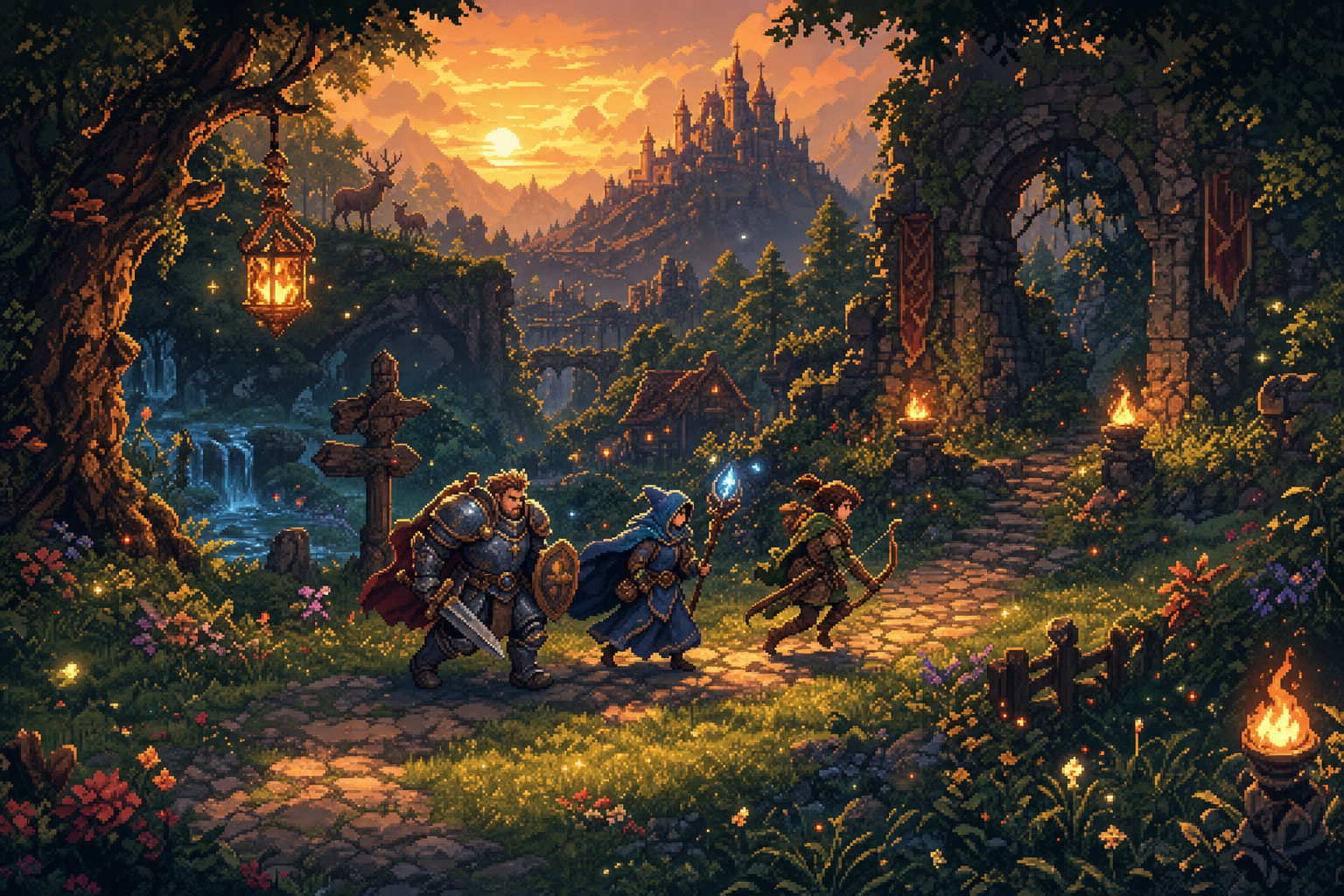
Spriteoven turns plain-language prompts into game-ready sprite art:
canonical character sheets, seamless tilesets with auto-tile rules,
and matched iconpacks for items, weapons, and UI. Built for indie devs
who want to ship — not fight with prompt engineering, layer cleanup,
or exporter scripts.
Character → World → Interface
Six forges, one style ladder. Pick a look once and the whole game is baked in it.
Character — Lab · Edition · Play · FX
Define the character once: a canonical anchor that is never redrawn. Eight actions — idle, walk, run, jump, attack, defend, hurt, die — plus a custom action in your own words, in 8 directions of which 5 are generated and 3 come free as mirrors. Edition retouches, Play test-drives, FX layers the auras and impacts on top.
World — Maps · Deco · Items
A biome description becomes the full 47-tile blob set with 12 terrain variants, at 32/48/64/96/128 px — and the AI only draws 2 textures: the code derives the 47. Deco adds the big pieces that sort by Y-sort; Items forges 1–9 objects in one sheet, one palette, one light.
Interface — UI Kit
Buttons, frames, windows, bars, sliders, toggles and checkboxes — in your style, at any size. The pieces that stretch carry 9-slice margins derived from the art itself, as .json and as a Godot .tres, so you copy instead of measuring.
How it works
Three steps from prompt to engine-ready export.
Describe
Type a prompt — character, biome, item set. Plain language is fine.
Bake
Spriteoven runs the AI model and post-processes the result (chroma key, palette quantize, edge validation, auto-tile rules).
Ship
Export as png-sliced for any engine, a Godot bundle (.tres + sheet), a minimal Unity project ready for Unity Hub, or an Aseprite bundle. Drop into your game.
Work from your editor
Your AI agent reads your library, generates what is missing and exports it — with your account and your credits.
Claude Code · Cursor · Zed · Cline · Continue
claude mcp add spriteoven https://spriteoven.com/mcp --transport http